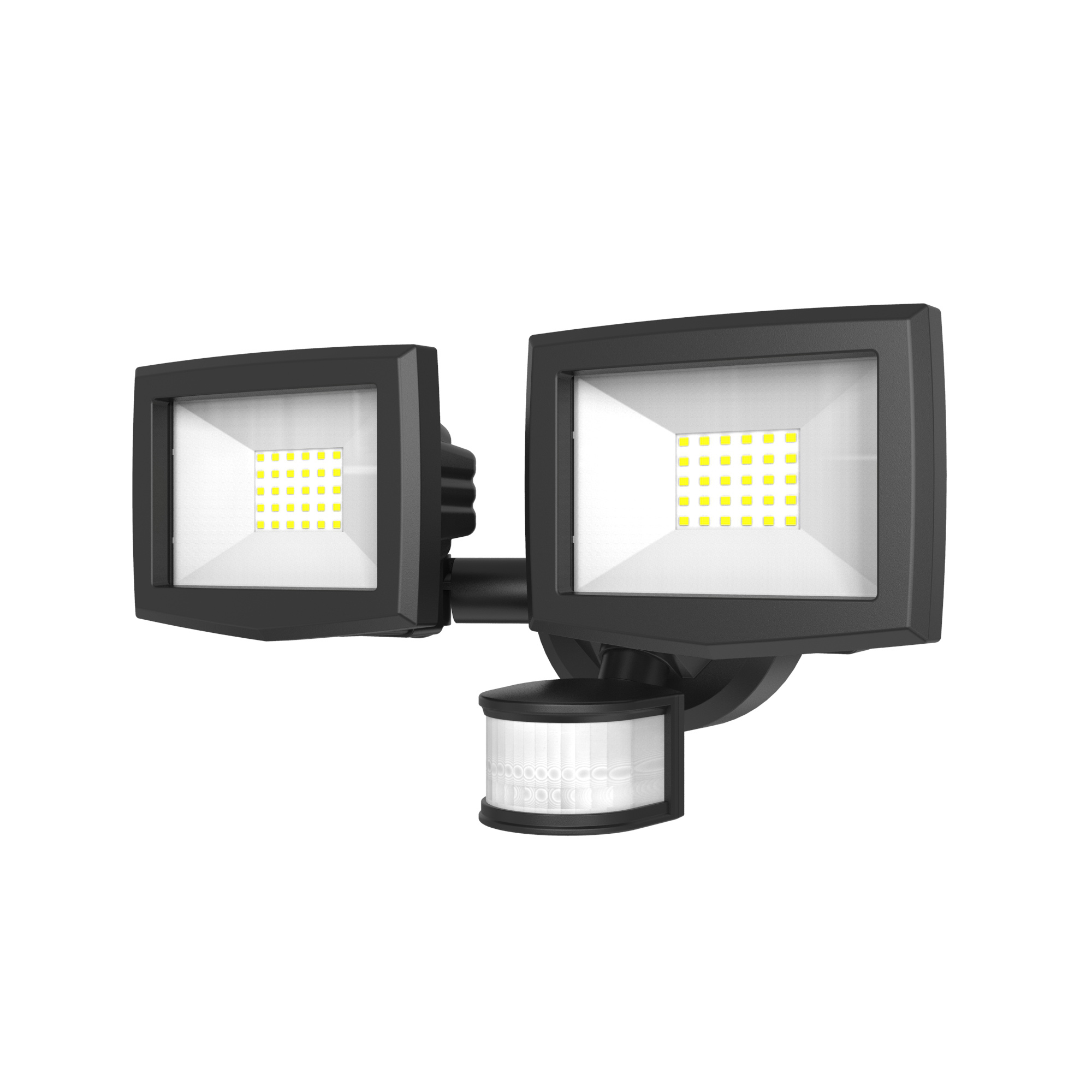

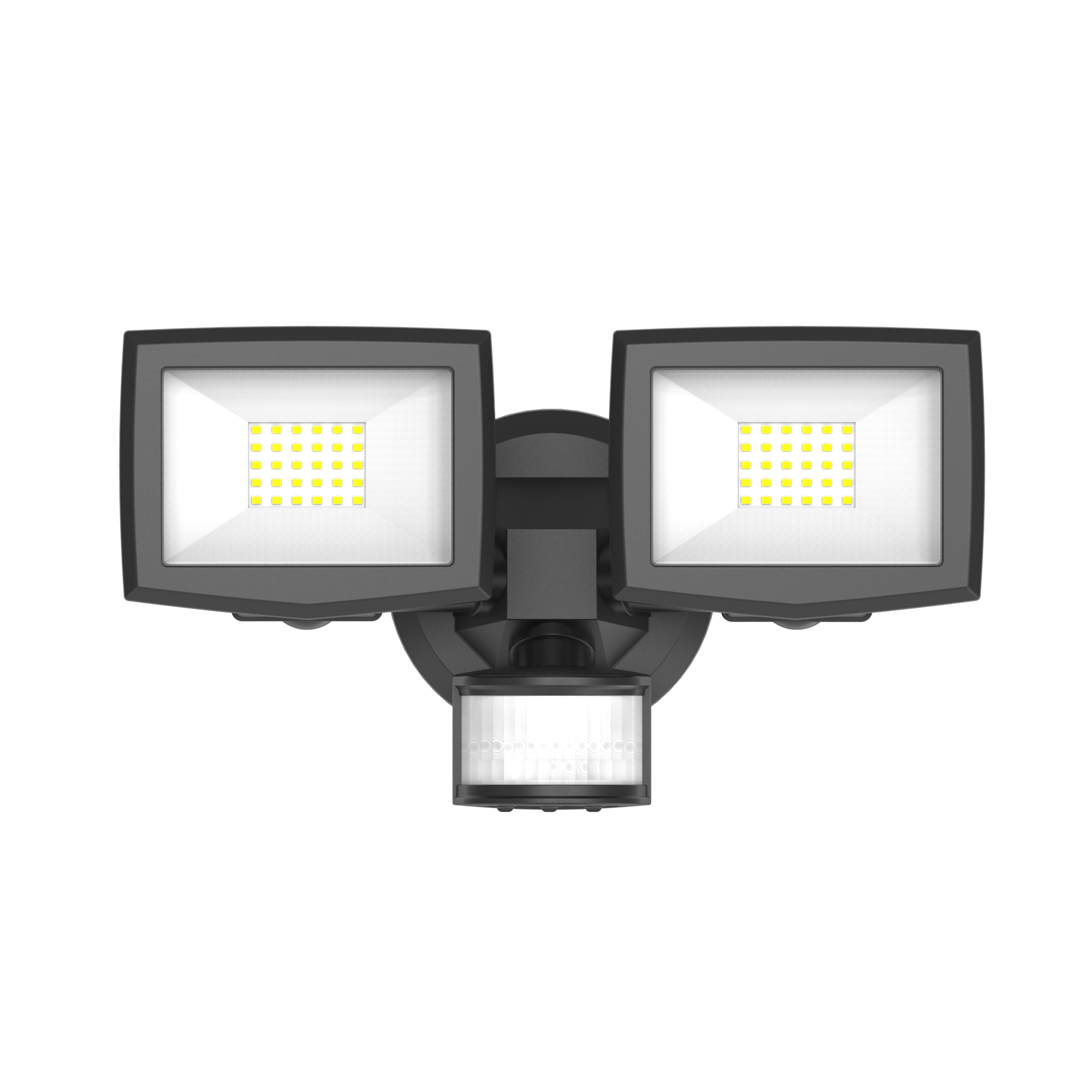
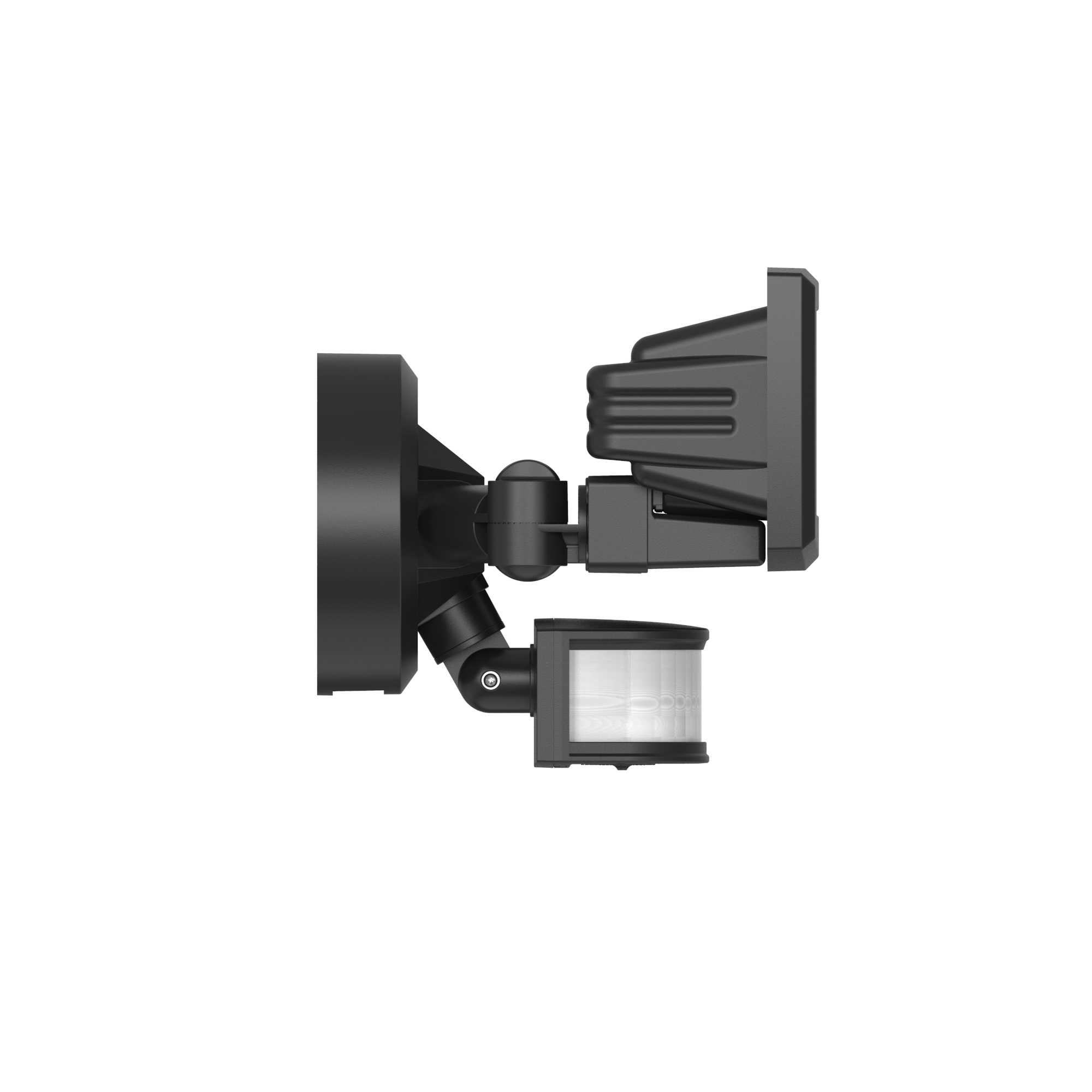
3000 Lumens Dual Head Solar Motion Sensor Security Light
Size of Light:34.3*19.2*19.2cm
Size of Solar Panel:20.9*22.5*11.6cm
Solar Panel:Amorphous silicon
Light Source:White SMD LED
LED Color Temperature:6000~6500K
Lumen Output:Maximum 3000 lumens
Battery:Lithium rechargeable battery
Switch:3 manual switches to adjust time delay for lightingduration, detection distance and working mode
Main Material:Plastic body
Detection Range:Maximum detecting angle 180°
Detection Distance:0~15 meters adjustable
Time Delay:Selectable among TEST(6s)/30s/60
How to Install and Configure Your 3000 Lumens Dual Head Solar Motion Sensor Security Light
Welcome to your complete setup guide for the powerful 3000 Lumens Dual Head Solar Motion Sensor Security Light. This advanced solar-powered security light offers exceptional brightness and customizable settings for optimal home protection. Follow our step-by-step instructions to ensure perfect installation and maximum performance.
What's Included in Your Package
Dual Head Security Light Unit (34.3 x 19.2 x 19.2 cm)
High-Efficiency Amorphous Silicon Solar Panel with Cable (20.9 x 22.5 x 11.6 cm)
Mounting Bracket & Hardware Kit
Comprehensive User Manual
Step 1: Optimal Location Selection
Choosing the right location is crucial for maximum performance:
Solar Panel Placement: Position the panel where it receives maximum direct sunlight throughout the day. Amorphous silicon panels perform well in various light conditions but still require adequate sunlight exposure.
Light Positioning: Mount the main unit 7-12 feet above ground level, ensuring coverage of key areas like driveways, entryways, or backyards.
Sensor Optimization: With an impressive 180° detection angle and adjustable distance up to 15 meters (49 feet), position the sensor to cover broad areas while minimizing false triggers.
Step 2: Essential Initial Charging
CRITICAL FIRST STEP: Complete a full charge before use:
1. Ensure all switches on the light unit are in OFF position
2. Connect the solar panel to the light unit
3. Place the solar panel in direct, unobstructed sunlight
4. Allow the lithium battery to charge for 24-48 hours before first use
5. Avoid turning on the light during this initial charging period
Step 3: Secure Mounting Installation
1. Attach the mounting bracket to your chosen location using provided hardware
2. Connect the solar panel cable to the light unit
3. Hang the main light unit onto the bracket
4. Secure the solar panel in its predetermined sunny location
5. Ensure all connections are weather-resistant and tight
Step 4: Custom Settings Configuration
Your light features three manual switches for complete customization:
Working Mode Selection
- TEST Mode: 6-second illumination for perfect positioning
- 30s Mode: Standard 30-second illumination
- 60s Mode: 1-minute illumination period
- 120s Mode: 2-minute extended illumination
Detection Distance Adjustment
- Adjustable from 0-15 meters (0-49 feet)
- Customize based on your security requirements
- Lower settings help conserve battery life
Operation Mode Selection
- Choose between different sensitivity settings
- Adjust based on your specific environmental needs
Step 5: Testing and Optimization
1. Adjust both light heads for optimal area coverage
2. Set the detection angle to maximize 180° coverage
3. Test each setting combination during evening hours
4. Use TEST mode for precise positioning adjustments
5. Finalize your preferred time delay and distance settings
Performance Optimization Tips
Panel Maintenance: Clean the amorphous silicon panel regularly with a soft, damp cloth for optimal charging efficiency
Seasonal Adjustments: Modify settings based on seasonal changes and daylight availability
Battery Management: Adjust detection distance during winter or extended cloudy periods
False Trigger Prevention: Fine-tune detection angle to avoid unnecessary activations
Troubleshooting Guide
Q: Why is my light not activating at night?
A: Verify complete initial charging, check switch positions, and ensure solar panel connection is secure
Q: How does amorphous silicon perform in cloudy weather?
A: Amorphous silicon panels excel in low-light conditions, maintaining better charging efficiency than crystalline panels on cloudy days
Q: Can I adjust settings for different weather conditions?
A: Yes, use the distance adjustment switch to modify sensitivity during various weather conditions
Q: What makes the 180° detection angle superior?
A: This wide angle provides comprehensive coverage, eliminating blind spots around your property
Advanced Usage Tips
Maximize your security light's potential:
- Use longer duration settings for entertainment areas
- Employ shorter settings for high-traffic pathways
- Combine different modes for layered security coverage
- Adjust settings seasonally for optimal year-round performance
Enjoy the superior brightness and customization of your 3000 Lumens Solar Security Light!
Previous : 2000 Lumens Triple Head Solar Motion SensorSecurity Light with Ambient Lighting
Next : Five Head Corner Mount Solar Motion Sensor Security Light with Dual PIR Sensor

 Copy product links
 Long by picture save/share
INQUIRY

Add Successfully
INQUIRY
Add Successfully
点击右上角
分享给朋友吧
GET IN TOUCH

108 Building, No.2, Shui Chan Road, Qi Xing Gang, Shi Liu Gang, Haizhu District, Guangzhou, China

Call us : +86 189 2211 2396

Email us : sales9@showroomer.com

Tel : +86-20-3439 9310 ext. 617

SITEMAP
NEWS LETTER
Enter your email address for our mailing list to keep your self our lastest updated.
© 2024 Solar Nation Ltd. All rights reserved Site Map